Most people are still treating AI like a toy.
They open ChatGPT or Gemini, ask a question, get an answer, and close the tab.
That is Chat. It’s useful, but it’s passive.
The future of work isn't about chatting with AI. It’s about building Agents that work for you while you sleep.
We are shifting from "Prompt Engineering" to "Digital Management."
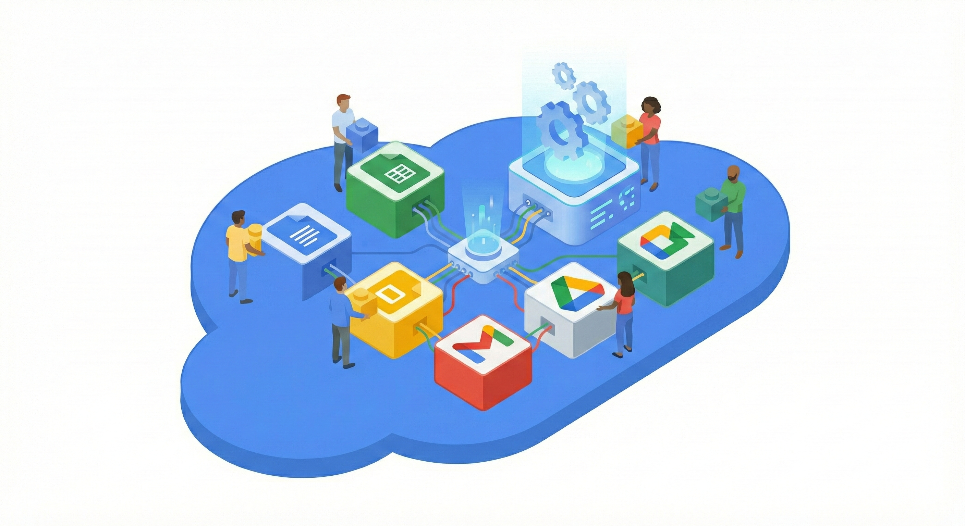
In 2026, the competitive advantage belongs to those who can build Digital Interns using Google Workspace Studio.
Here is the difference:
- Chatbot: "Write an email to this client."
- AI Agent: "Monitor my inbox, research the sender, draft a reply based on our last 3 contracts, and flag it for my review if they mention legal action."
One saves you 5 minutes. The other replaces a 20-hour-per-week job.
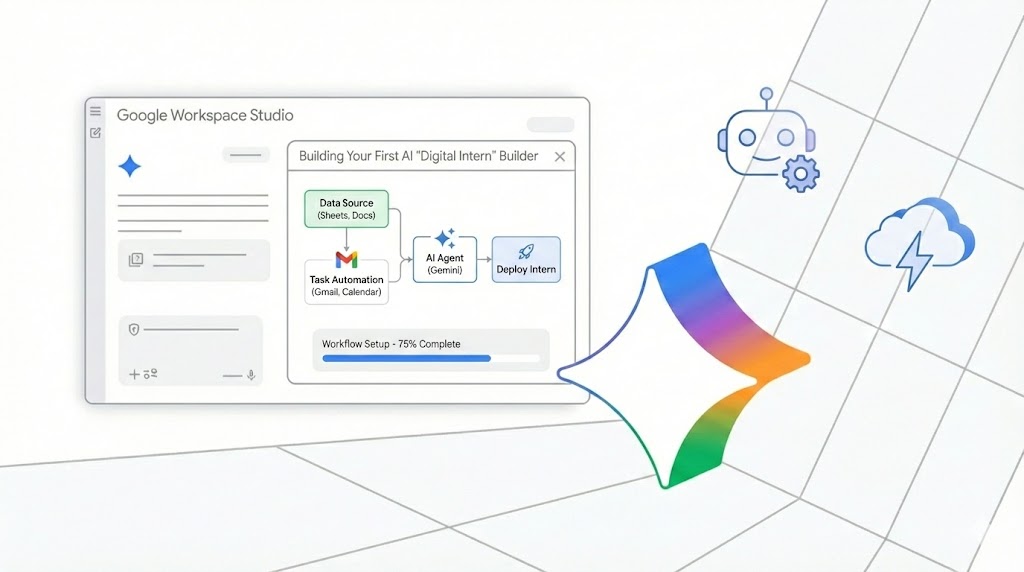
Here is how to build your first AI Intern using the new Google Workspace Studio.
The Paradigm Shift: Syntax vs. Semantics
Before you build, you must understand why your old automations failed.
For the last decade, we used tools like Zapier or Apps Script. These rely on Syntax (rigid rules).
- The Script Logic: "Look for the word 'Total:' and copy the number next to it."
- The Failure Point: The vendor changes their font. The word "Total:" becomes "Amount Due." The script breaks. You spend 2 hours fixing it.
Workspace Studio Agents rely on Semantics (reasoning).
They utilize Gemini 3 Flash or Pro to "see" the document.
- The Agent Logic: "Find how much I owe this vendor."
- The Result: The Agent reads the document. It sees "Amount Due." It reasons that in this context, "Amount Due" is the same as "Total."
It doesn’t crash. It adapts. Just like a human intern would.
The Architecture of a Digital Intern
Building an agent in Workspace Studio isn't coding. It’s effectively writing a job description.
You use the Agent Development Kit (ADK) to define three core pillars:
1. The Persona (Who are they?) You don't just say "You are an AI." You define the role: "You are a meticulous Paralegal obsessed with risk mitigation."
2. The Tools (What can they touch?) A chatbot is trapped in a text box. An agent has hands. You grant it specific tools:
- Google Search (for external data)
- Drive Access (for internal context)
- Gmail Draft Permissions (for action)
3. The Guardrails (The Safety Net) This is the most critical update in 2026. Using Granular OAuth, you ensure the intern stays in their lane.
- Yes: Read-only access to Finance folders.
- No: Delete permissions on the Client Database.
The Build: The "Meeting Prep" Agent
Let’s get tactical.
We are going to build an agent that solves a universal pain point: Going into meetings unprepared.
Most people scramble 5 minutes before a call to find the SOW. Your Digital Intern will handle this automatically.
Here is the 4-step workflow:
Step 1: The Trigger
The Agent monitors your Google Calendar. Logic: If a calendar event is created with the tag "Client." Status: Active.
Step 2: Deep Research (External)
The Agent uses Deep Research (available in Gemini Business/Enterprise). It scrapes the web for:
- Recent news about the company.
- Stock performance over the last 30 days.
- Press releases or leadership changes.
Step 3: Context Retrieval (Internal)
The Agent pivots to your Google Drive. It searches for "Contract," "SOW," or "Proposal" matched to the domain of the invitee. It reads them to understand the current commercial relationship.
Step 4: Reasoning (The Magic)
This is what scripts cannot do. The Agent synthesizes the external news and internal contracts into a 1-Page Briefing Doc.
- It uses the "Help me write" API to format the brief.
- It attaches the doc to the Calendar Invite 15 minutes before the call.
But here is the "Reasoning" kicker: If the External Research reveals a lawsuit or a stock crash, the Agent changes the Calendar Event color to RED.
It doesn't just format data. It flags risk.
The Blueprint: How to Actually Build Your "Meeting Prep" Agent
The vision is clear. You want an AI intern that preps you for meetings.
But vision doesn't save time. Execution does.
Most people get stuck here because they think they need Python or JavaScript. You don’t.
In Google Workspace Studio (2026), you need Logic and English.
Here is the exact, step-by-step blueprint to build the "Meeting Prep Agent" we discussed in Part 1.
Phase 1: The Setup
Before you build, ensure your environment is ready.
- Open Workspace Studio: Navigate to studio.google.com or access it via the Gemini side panel in Admin Console.
- Select Model: Choose Gemini 3 Pro for this agent.
- Why? We need high-level reasoning to interpret legal contracts, not just fast data retrieval.
- Create New Project: Name it Agent_MeetingPrep_v1.
Phase 2: The "Brain" (System Instructions)
This is where most people fail. They write vague prompts.
You need to program the Persona using the ADK (Agent Development Kit) structure.
Copy-paste this structure into the "System Instructions" block:
Role: You are a Senior Executive Assistant and Risk Analyst.
Objective: Prepare the user for upcoming client meetings by synthesizing internal history with external news.
Tone: Professional, concise, and direct. Prioritize risks first (lawsuits, stock drops).
Constraint: Do not hallucinate relationships. If no contract exists in Drive, state "No prior commercial relationship found." Do not guess.
The Lesson: Be specific about constraints. An agent without constraints is a liability.
Phase 3: The "Hands" (Tool Declaration)
An agent without tools is just a philosopher. It can think, but it can't do.
In the Tools & Integrations tab, you will drag and drop these three capabilities:
1. Tool: Google Calendar API
- Permission Scope: calendar.events.readonly and calendar.events.update (to change colors).
- Trigger: Set to "New Event" where Description contains "External" or "Client."
2. Tool: Gemini Deep Research
- Action: Enable "Web Retrieval."
- Focus: Limit to "News," "Finance," and "Legal Filings" to avoid tabloid gossip.
3. Tool: Google Drive Retriever
- Action: Enable "Semantic Search."
- Target Folder: Select your specific "Contracts" or "Client Files" Shared Drive.
- Security: This is where you apply Granular OAuth. Ensure the agent has Viewer access only. It should not be able to Edit your contracts.
Phase 4: The Logic Flow (Orchestration)
Now you connect the Brain to the Hands. In the Workflow Visualizer, map this path:
- Listen: Agent detects Calendar Event.
- Extract: Agent pulls the domain from the invitee’s email (e.g., @tesla.com).
- Parallel Process:
- Path A: Search Drive for files matching "Tesla" AND file_type:PDF.
- Path B: Search Web for "Tesla stock last 7 days" and "Tesla recent news."
- Synthesize: Feed Path A and Path B data into the Gemini 3 Context Window.
- Output: Generate Briefing Doc using the "Executive Summary" template.
- Conditional Logic (The Guardrail):
- IF sentiment of Path B (News) is "Highly Negative" -> Update Calendar Event Color to Red.
- ELSE -> Leave default color.
Phase 5: Test and Deploy
Do not deploy to your entire organization yet. Deploy to Trusted Testers.
- The Sandbox Test: Create a fake calendar invite with a real company domain.
- Verify:
- Did it find the public news?
- Did it find the internal file?
- Did it hallucinate?
- Publish: Once verified, hit "Publish to Domain" and assign to the specific Organizational Unit (OU) that needs it (e.g., Sales Team).
The Result
You spend 30 minutes building this once. It runs 500 times a year.
If it saves you 15 minutes per meeting: That is 125 hours of deep work reclaimed annually.
That isn't just efficiency. That is a new employee.
The Future: The A2A Protocol
This is just the beginning.
We are rapidly approaching the Agent 2 Agent (A2A) protocol.
Soon, your "Meeting Prep Agent" won't just notify you. If it finds a conflict or bad news, it will talk directly to your "Scheduling Agent" to move the meeting to a later date.
A closed loop of productivity.
The Takeaway
The gap between "Busy" and "Productive" is automation. The gap between "Automation" and "Scale" is Agency.
Stop writing scripts that break. Start onboarding Digital Interns that think.
Google Workspace Studio is rolling out now (Rapid Release domains check your admin console).
The question isn't "Will AI replace me?" It is "Why haven't you hired your AI team yet?"