
Promo codes are tied to your billing address region. Using a code from the wrong region will result in an error.
Retrieve Your Unique Promo Code
First, ensure you have a valid promo code for your specific region and plan type (Starter or Standard). You can get one instantly from our homepage.
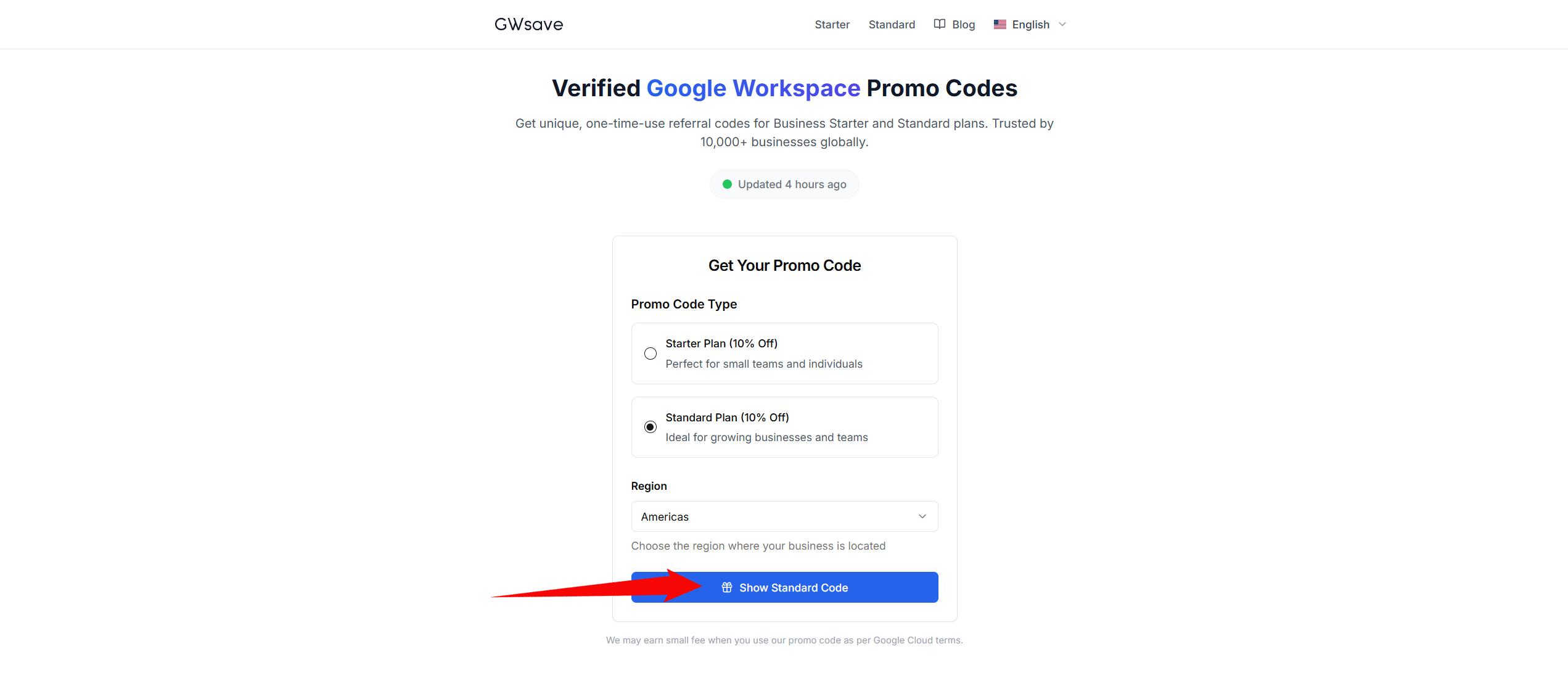
Select your region and plan to get a verified Google Workspace promo code
Set Up Your Google Workspace Account
Go to Google Workspace and start your 14-day free trial. Complete the account setup process by entering your business name, number of employees, and contact details.
You won't be charged during the trial period.
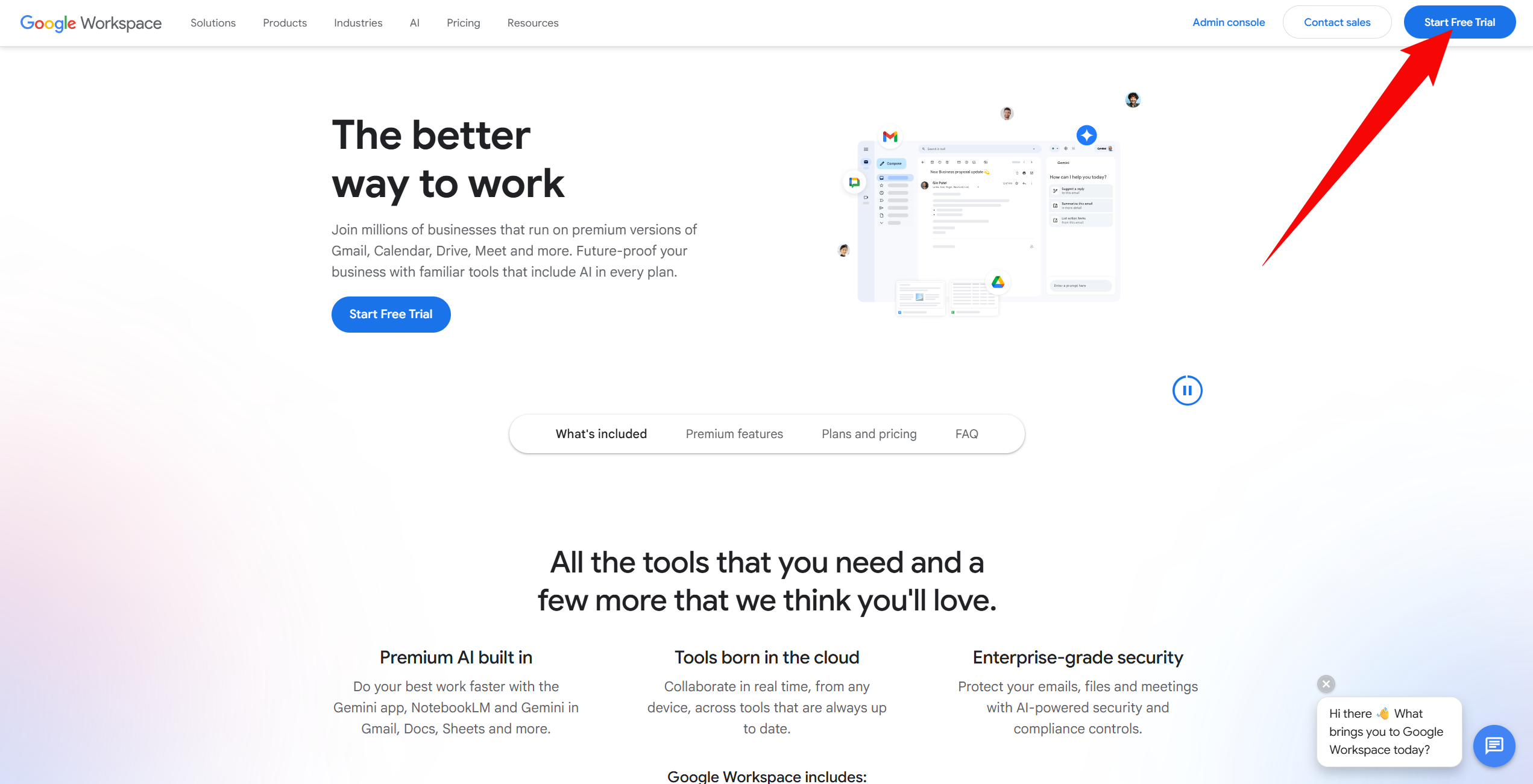
Start your 14-day free trial on Google Workspace
Access the Billing Section
Once your account is created, log in to the Google Admin Console. From the dashboard, navigate to Billing > Subscriptions. Select your preferred plan if you haven't already.
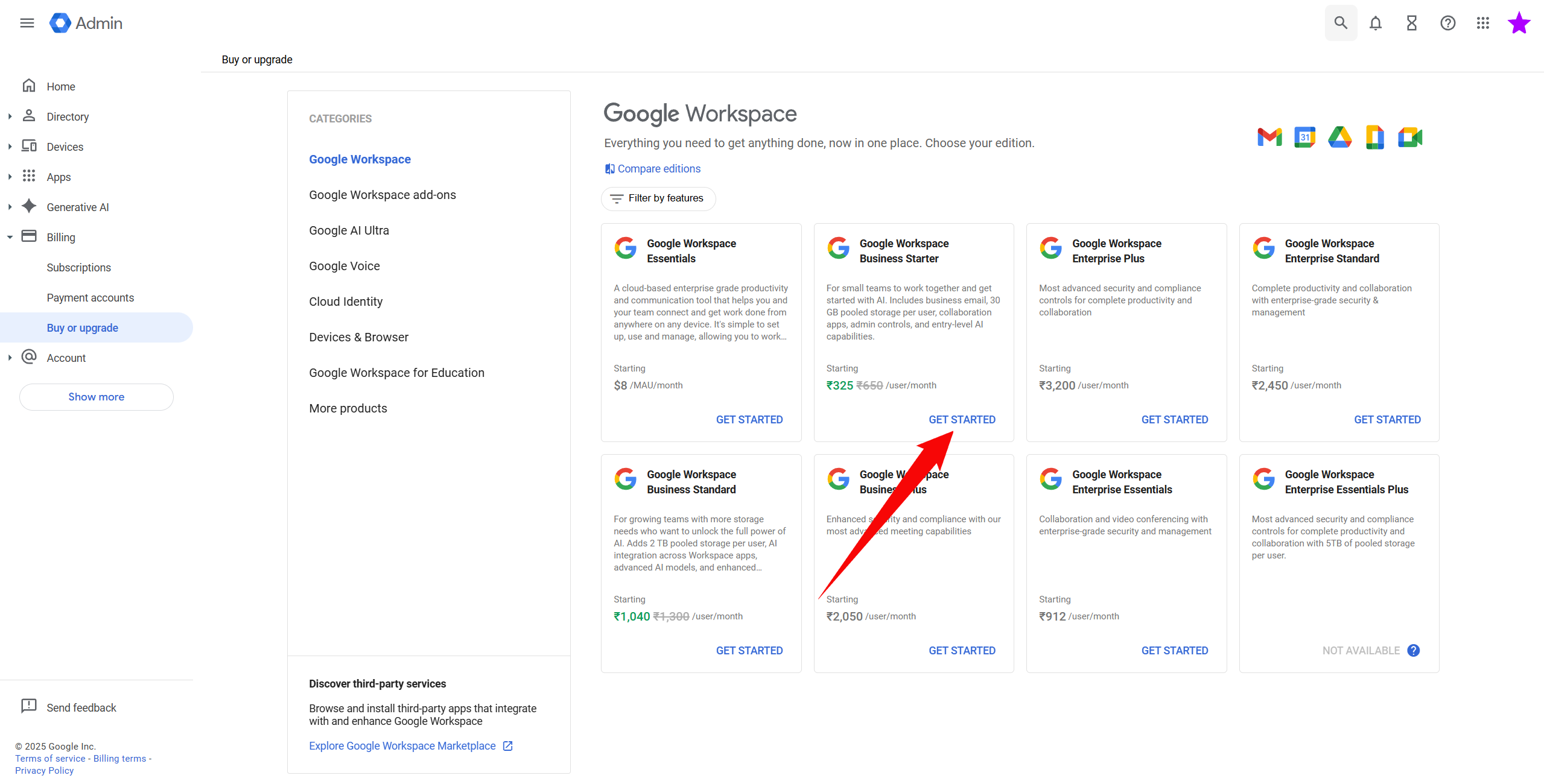
Navigate to Billing and Subscriptions in Google Admin Console
Enter Your Promotion Code
During the setup of your billing profile (or by clicking "Add promotion code" if you've already set it up), you will see an option to enter a promotion code.
- Look for the 'Promotion code' field in the payment plan selection screen.
- Paste your code exactly as it appears (do not include spaces).
- Click 'Apply' to see the 10% discount reflected immediately.
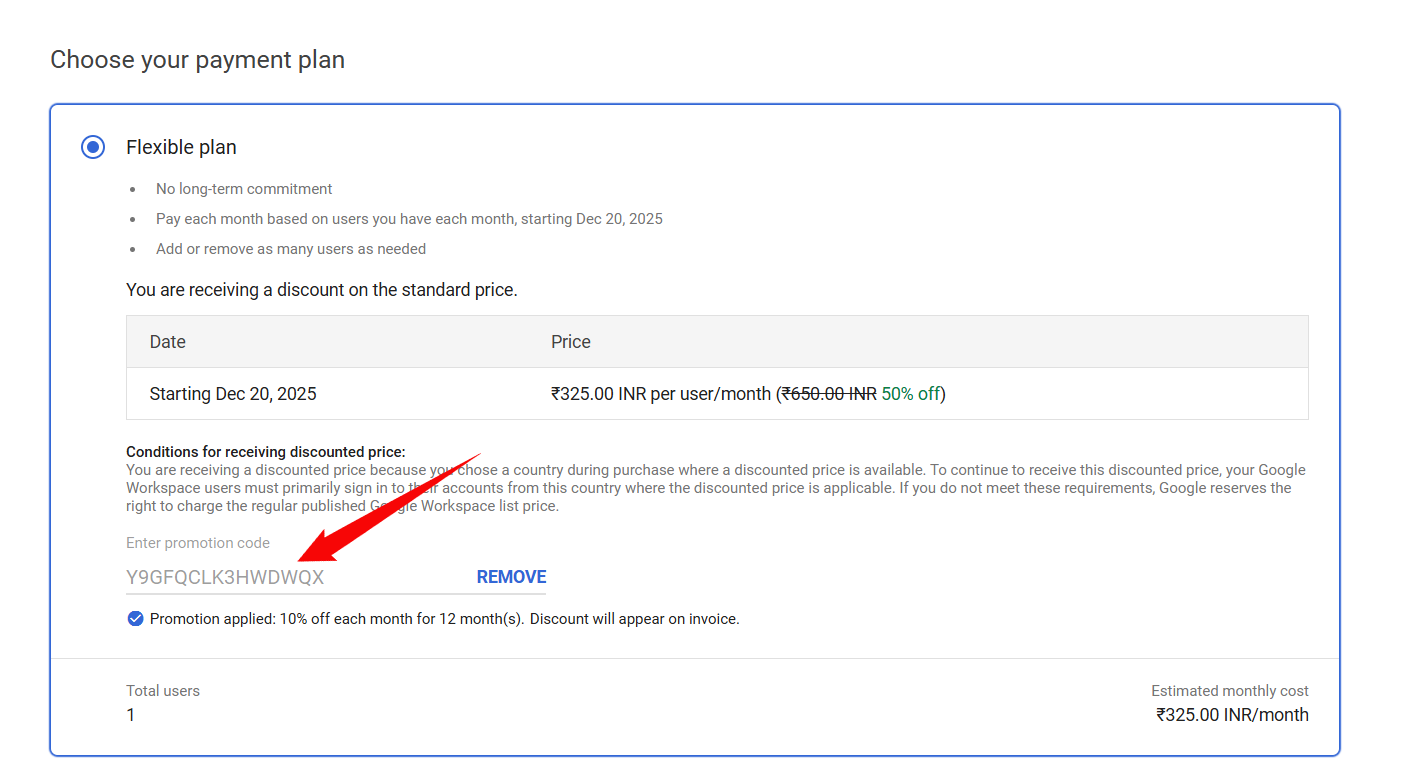
Enter your promo code in the Google Workspace billing setup
Complete Checkout
After applying a valid code, you will see a success message indicating the 10% off discount. Proceed to complete your billing setup. The discount helps you save for the entire first year.
Success message showing the 10% discount applied